
When your game controller starts acting up—buttons misfiring, joysticks drifting, weird input lag—your first move is to grab a gamepad tester. But here’s the kicker: should you use a web-based tester or install dedicated software?
With the rise of HTML5 gamepad APIs, browser-based tools have become incredibly convenient, but installed testers still claim the throne for depth and precision. So, which one should you trust with your precious controller’s health?
In this detailed guide, we’ll dive into the real-world pros, cons, and test results of web-based vs. software gamepad testers to help you choose wisely.
Related Post: Top Gamepad Diagnostic Apps: Pros, Cons, and Accuracy (Ultimate 2026 Guide)
Table of Contents
Introduction: Why Accurate Gamepad Testing Matters
In modern gaming, input accuracy separates a clean headshot from an embarrassing respawn. Small deviations—like joystick drift or unresponsive triggers—can ruin competitive play or break immersion altogether.
That’s why controller testing matters. Whether you’re using an Xbox One, PlayStation 5 DualSense, Switch Pro controller, or generic USB joystick, testing ensures your inputs are registered correctly.
Gamepad testers help you:
- Identify button response issues
- Visualize joystick dead zones
- Detect trigger sensitivity problems
- Confirm proper vibration and feedback functions
Now, you have two main types: browser-based testers (no download needed) and software-based testers (installed locally). Both can get the job done—but their strengths and limitations differ significantly.
Understanding Gamepad Testers-Web-Based vs Software Gamepad Testers
What Is a Web-Based Gamepad Tester?
A web-based gamepad tester is an online controller test tool that you can access directly from your browser. It uses the HTML5 Gamepad API, a built-in web technology that lets sites detect and visualize your controller’s input.
Examples:
Main perks:
- Works instantly—no downloads.
- Supports most modern browsers (Chrome, Edge, Firefox).
- Detects generic and branded controllers automatically.
If you plug in your controller via USB or pair it over Bluetooth, these testers can instantly show button inputs, joystick movements, and trigger ranges.
What Is a Software Gamepad Tester?
A software gamepad tester, by contrast, is a downloadable program or utility purpose-built for advanced calibration and analysis.
You install it on your computer, and it reads controller data at a system level, giving you deeper diagnostic access than web-based tools.
Examples include:
- DS4Windows (for PlayStation controllers on PC)
- Joystick Tester for Windows
- AntiMicroX for custom key mapping and testing
Software-based testers go beyond simple input visualization. They can:
- Measure input latency and polling rate
- Calibrate joystick sensitivity
- Offer dead zone adjustments
- Record historical input data for analysis
Basically, they treat your controller like a data-rich input device—not just a toy.
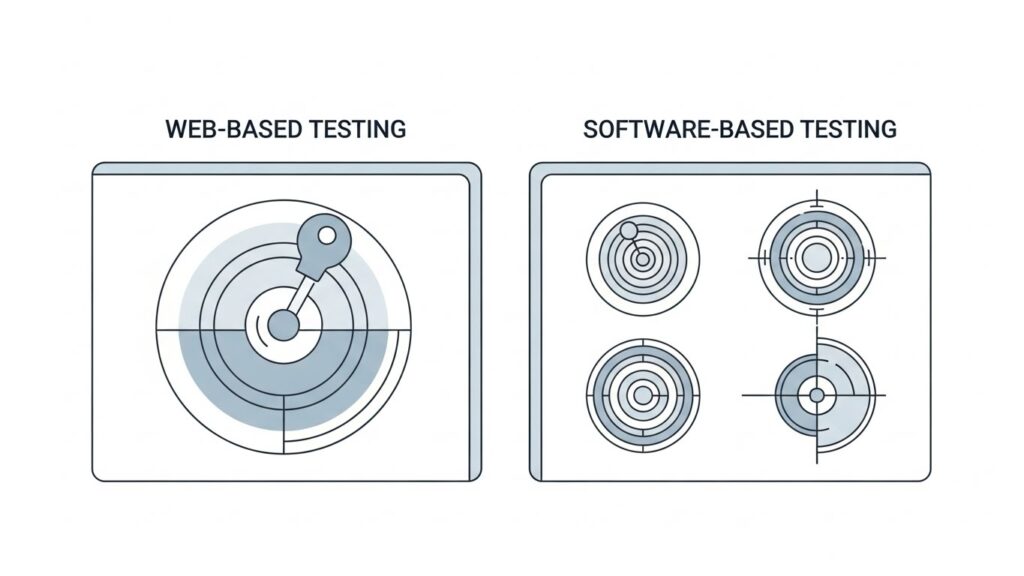
Accuracy and Precision: How Each Platform Performs
When it comes to raw precision, software testers take the lead.
Why Software Testers Are More Accurate
Software testers interact directly with OS-level APIs (like DirectInput or XInput). This allows for:
- Higher sampling rates (up to 1000Hz)
- Full-axis data (analog accuracy to decimal points)
- Trigger pressure measurement, not just pressed/unpressed
In comparison, web-based testers are bound by browser limitations and JavaScript performance. The HTML5 Gamepad API is fantastic but can introduce minor latency or reduced sampling resolution depending on your system’s specs and browser optimizations.
However, for casual tests—like checking if your controller is connected properly or spotting obvious drift—a web-based tester is perfectly adequate.
Ease of Use and Accessibility
Here’s where web-based testers shine.
Web-Based Ease
- No installation required
- Instant results within seconds
- Great for quick checks before gaming
- Works on smartphones and tablets with Bluetooth controllers
They’re the plug-and-play equivalent of controller diagnostics.
Software-Based Convenience
Software testers, on the other hand, require installation and sometimes additional drivers. While this adds a few steps, they give far greater control afterward. For regular gamers or developers testing inputs frequently, this extra setup is well worth it.
Verdict:
If you need quick results → use web-based.
If you need detailed calibration → use software.
Features Comparison: Web vs. Software Tools
| Feature | Web-Based Gamepad Tester | Software Gamepad Tester |
| Installation | None – runs in browser | Requires download & setup |
| Accuracy | Medium (browser limited) | High (system-level) |
| Latency Measurement | Basic to none | Advanced measurement tools |
| Customization | Limited UI adjustments | Full calibration, remapping |
| Offline Access | No (internet required) | Yes, works offline |
| Supported Platforms | Any browser, any OS | Platform-specific (Windows/Linux/macOS) |
| Data Logging | Minimal | Comprehensive logs |
| Best Use Case | Quick input checks | Deep testing & debugging |
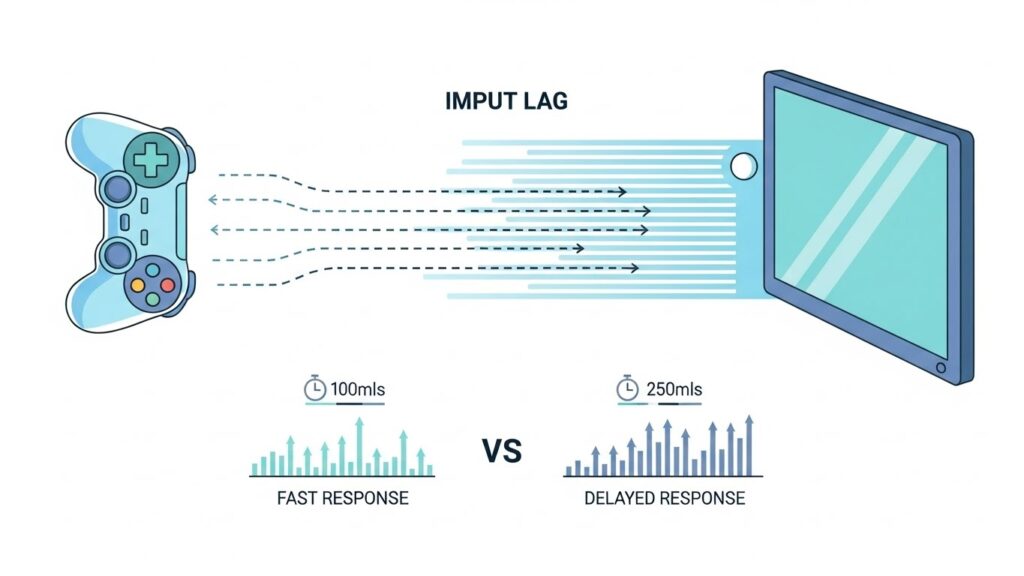
Speed, Latency, and Real-Time Input
Latency is the invisible villain of responsive gaming.
Web-based testers rely on the browser event loop—meaning a few extra milliseconds of delay can creep in. Software testers generally have direct access to USB polling data, making them better for real-time latency diagnostics.
For context:
- Average browser response delay: ~5–10ms
- Average software tester delay: ~1–3ms
While both are negligible for casual play, professional eSports players and developers may prefer the tighter precision of software tools.
Security and Privacy Considerations
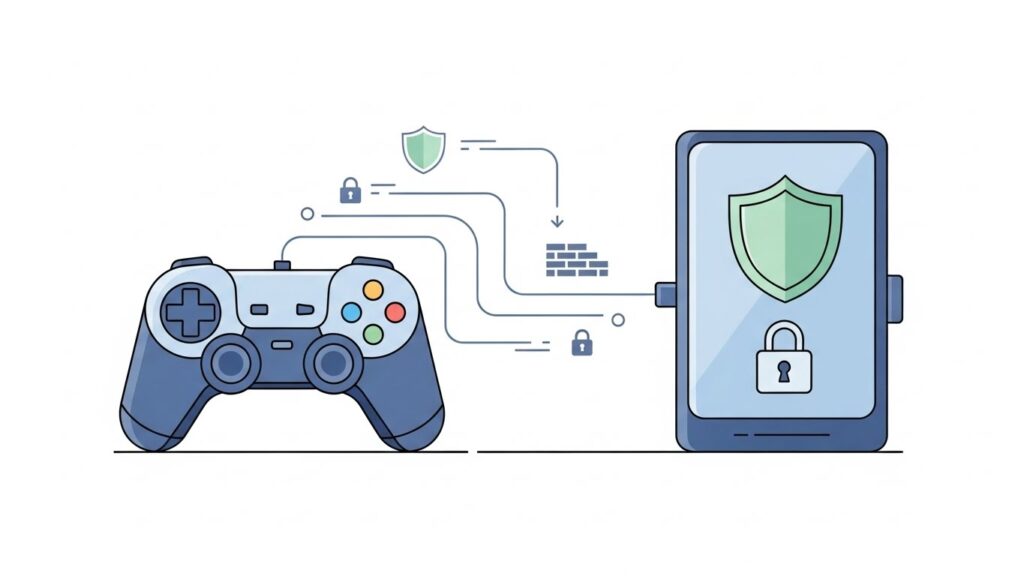
Security can be a deciding factor.
Web-based tools rely on your browser permissions. If you’re using reputable websites, this is safe—but poorly coded or malicious pages could theoretically log controller inputs. Always stick to trusted sources.
Software testers, being locally executed, might ask for system permissions. Make sure to verify their origin to avoid malware-ridden downloads.
Rule of thumb:
If you must test once—use the web.
If you’ll test frequently—install from verified developer repositories.
Use Cases: When to Choose Each Option
| Scenario | Best Option | Reason |
| Quick button test before playing | Web-based | Fast, simple, no setup |
| Diagnosing analog stick drift | Software | Requires full-axis precision |
| Multi-controller testing | Web-based | Plug and check multiple devices |
| Developer testing custom input mapping | Software | Deep-level diagnostics |
| Keyboard remapping or macro setup | Software | Only available locally |
| Testing on mobile devices | Web-based | Portable and easy |
Pro Tip:
Gamers often use both—web-based for convenience and software for fine-tuning.
Expert Recommendations
Industry technicians, QA testers, and speedrunners generally agree on a hybrid approach:
- Start online – Use a browser-based tool to confirm connection and basic functionality.
- Then calibrate offline – Install a software-based tester for advanced diagnostics and continuous monitoring.
- Perform routine calibration every few months, especially if you play competitive games or use older controllers.
FAQs About Gamepad Testers
1. Can a web-based tester fix controller drift?
No. It can help you detect drift by visualizing joystick input, but fixing it may require recalibration, cleaning, or hardware replacement.
2. Do web testers support Bluetooth controllers?
Yes, most modern browsers support Bluetooth controllers through the HTML5 Gamepad API. Just pair your device first, then open the website.
3. Are software testers better for eSports players?
Absolutely. Software testers can measure latency, trigger response, and analog sensitivity—all critical in professional gameplay.
4. Are there any free software gamepad testers?
Yes! Tools like AntiMicroX and Joystick Tester are open-source and completely free.
5. Is it safe to use online gamepad testers?
Yes—if you use reputable websites. Avoid suspicious or ad-heavy testers that might log unnecessary data.
(Schema suggestion: Add FAQ schema markup using “@type”: “FAQPage” for better SERP visibility.)
External Link:
- Mozilla Developer Network: HTML5 Gamepad API
- Xbox Support: Controller Calibration Guide
- Steam Input Documentation
Conclusion and Key Takeaways
Both web-based and software gamepad testers play vital roles in verifying your controller’s function.
- Web-based testers are convenient, instant, and ideal for casual checks.
- Software testers deliver unmatched accuracy, customization, and calibration depth.
If you’re just ensuring your buttons work—use online tools. But if you want precise control, data logging, and latency measurements, invest time in a robust software tester.
Ultimately, the “better” tester depends on what you need:
speed or precision, simplicity or control.
Either way, you’ll ensure that your gamepad performs at its best—so when the next epic battle begins, your controller’s the last thing standing between you and victory.