
Introduction-Understanding Gamepad Input APIs
Modern PC gaming depends on seamless input. Whether you’re designing a new indie title, integrating controller support into an emulator, or troubleshooting your favorite racing sim, knowing how a gamepad communicates with your software is essential.
That’s where two key APIs come into play—XInput and DirectInput. These two Microsoft-developed interfaces define how controllers send button presses, joystick movements, and trigger pulls to your game.
But what exactly sets them apart? Why do some controllers “just work” while others struggle with compatibility? And how can developers future-proof their control schemes?
This comprehensive guide will answer all those questions—and more. By the end, you’ll have a clear, practical understanding of XInput vs DirectInput, how they fit into the broader gamepad ecosystem, and how to use both effectively.
Table of Contents
What Are Gamepad Input APIs?
A gamepad input API (Application Programming Interface) is the bridge between your controller and your game. It translates raw signals—like analog stick movements or button presses—into standardized data that software can use.
On Windows, the two primary APIs are:
- DirectInput: The older, flexible API supporting a wide range of controllers and joysticks.
- XInput: A newer, streamlined API tailored for Xbox 360, Xbox One, and newer Xbox-compatible controllers.
Other platforms use equivalents:
- macOS: Uses I/O Kit frameworks.
- Linux: Often uses SDL2, evdev, or the Linux Joystick API.
- Web: Relies on the HTML5 Gamepad API.
Understanding the differences between XInput and DirectInput helps developers create broader compatibility, better user experience, and fewer driver headaches.
History of Gamepad APIs: From DirectInput to XInput
Once upon a time (well, around the late 1990s), PC games used DirectInput, part of Microsoft’s DirectX suite, to handle joysticks, steering wheels, and flight sticks.
However, when Xbox 360 launched in 2005, Microsoft wanted tight integration between Windows and Xbox controllers. They introduced XInput, designed for simplicity and consistency across devices.
Timeline Snapshot
- 1995: DirectInput debuts with DirectX 1.
- 2005: XInput is released alongside the Xbox 360.
- 2009 and beyond: DirectInput remains for legacy and non-Xbox controllers.
So, while DirectInput was built for flexibility, XInput was built for standardization.
What is DirectInput?
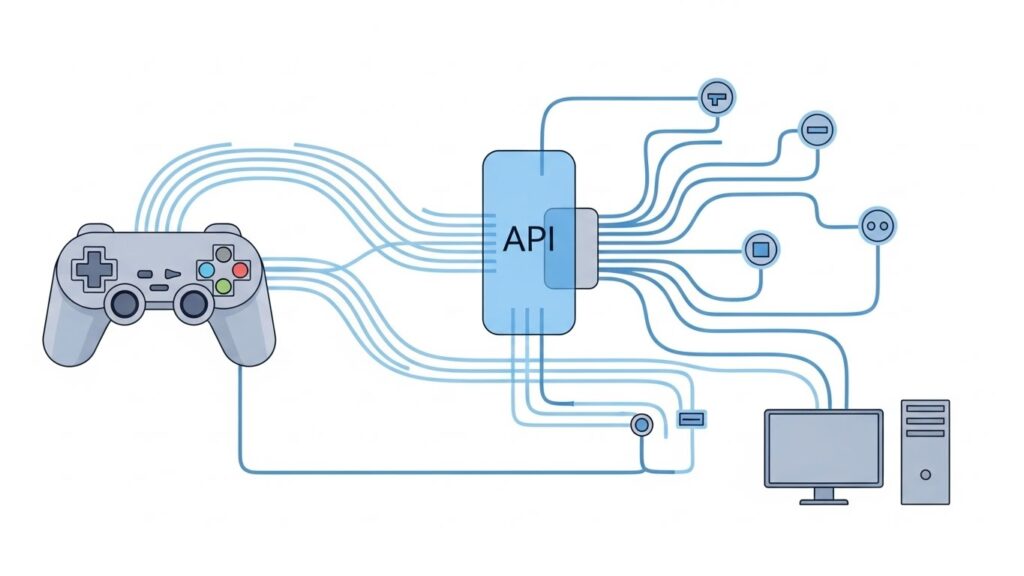
DirectInput is a component of the DirectX API that allows applications to receive input from multiple types of devices, including:
- Joysticks
- Wheels
- Flight sticks
- Gamepads
Features
- Supports up to 8 axes, 128 buttons, and any number of POV (Point of View) hats.
- Lets developers query detailed force feedback and configuration options.
- Works with older or non-Xbox controllers, such as Logitech, Thrustmaster, or PlayStation-style USB gamepads.
Limitations
- Button mappings vary between controllers.
- No native support for Xbox button icons.
- Force feedback support can be inconsistent.
- Windows discourages its use for new gamepads, pushing developers toward XInput.
Despite this, DirectInput remains essential for simulation hardware (flight sticks, wheels, pedals) and retro support.
What is XInput?
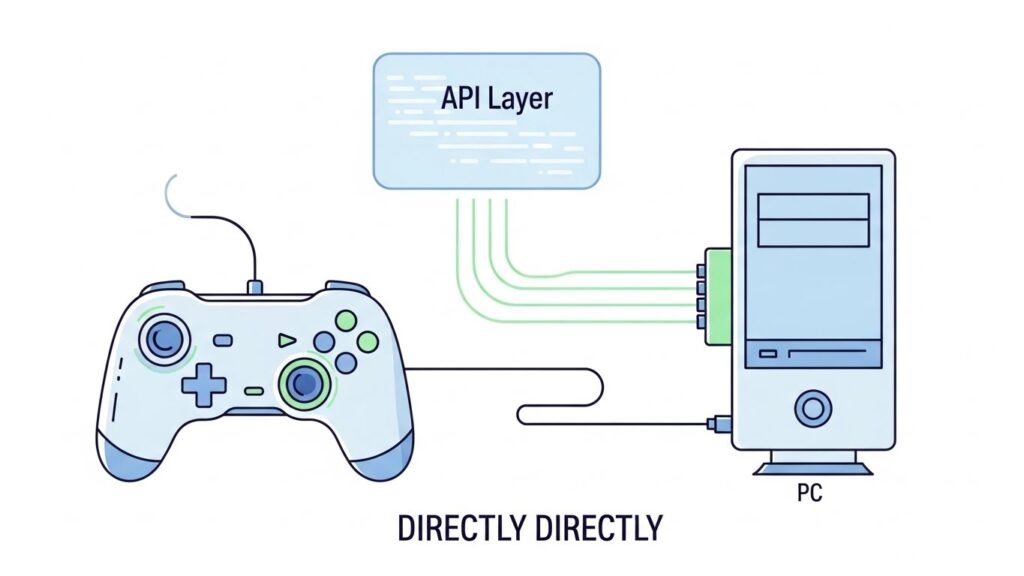
XInput is Microsoft’s modern API specifically tailored for Xbox-compatible controllers.
It simplifies development by exposing a fixed, predictable layout for every device:
- Always 10 buttons + triggers + 2 thumbsticks.
- Consistent mapping (A/B/X/Y, Start, Back, D-pad, etc.).
- Built-in support for vibration (rumble) and trigger feedback.
Advantages
- Easy to implement; minimal setup required.
- Standardized button/axis scheme.
- Officially supported by Windows and most modern engines (Unity, Unreal, Godot).
- Offers better force feedback integration and smoother vibration control.
Limitations
- Only supports Xbox-compatible gamepads (max 4 at once).
- No keyboard, mouse, or exotic controller input.
- Limited number of buttons recognized (no flight stick-level complexity).
For most PC games that target casual players or use Xbox-style layouts, XInput has become the gold standard.
Key Differences Between XInput and DirectInput
| Feature | DirectInput | XInput |
|---|---|---|
| Release Year | 1995 | 2005 |
| Device Type Support | Varied (joysticks, wheels, etc.) | Xbox controllers only |
| Max Buttons Supported | Up to 128 | 10 standard |
| Force Feedback | Varies by device | Consistent |
| Ease of Use | Complex setup | Simple and uniform |
| Compatibility | Legacy & custom controllers | Xbox 360/One/Series controllers |
| Number of Devices Supported | Many | Up to 4 |
| API Status | Legacy (maintained) | Actively supported |
If you’re writing a new PC or cross-platform game, XInput is typically the safer, modern choice. But if you’re building flight sims or supporting older USB devices, DirectInput is still indispensable.
Compatibility: Controllers That Support Each API
XInput-Compatible Devices
- Xbox 360 Controller (wired/wireless)
- Xbox One / Series Controllers
- Some 8BitDo and PowerA controllers (using XInput mode)
DirectInput-Compatible Devices
- PlayStation DualShock 2/3/4 (via USB or adapters)
- Logitech Gamepads and Joysticks
- Racing wheels & Flight sticks (Thrustmaster, Saitek, etc.)
Mixed-Mode Controllers
Several third-party gamepads offer a physical “X/D switch”, letting players toggle between XInput and DirectInput modes. For instance, the Logitech F310 lets you choose depending on the game’s compatibility.
Performance and Technical Comparison
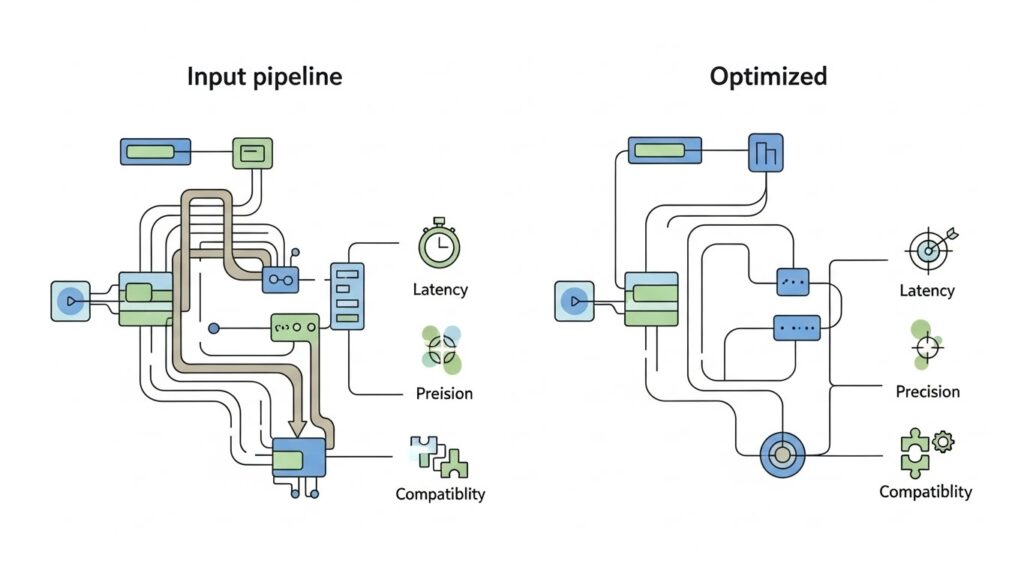
Performance-wise, both APIs are extremely light and rarely limit frame rates. However, they differ in data precision and polling:
- Response Rate: XInput has slightly less latency for Xbox controllers due to tighter driver integration.
- Resolution: DirectInput can expose higher precision axes for analog hardware (useful for simulators).
- Force Feedback: XInput provides a simpler, more uniform rumble system; DirectInput allows custom force feedback profiles but with more complexity.
Another major distinction:
- Triggers: In XInput, both triggers share a single axis (–1 to +1).
- In DirectInput, they’re usually independent (two separate axes).
This subtle difference can create headaches in Unity or Unreal if not handled carefully.
How to Detect and Use Both APIs in Games
Strategy 1: Prefer XInput, Fallback to DirectInput
Most developers implement both APIs—often through middleware like SDL2 or Rewired—to ensure maximum compatibility.
Common detection flow:
- Check if a connected device exposes an XInput interface.
- If not, initialize DirectInput enumeration.
- Filter out duplicate devices (some appear in both APIs).
- Map buttons dynamically using configuration files or UI prompts.
Strategy 2: Use Cross-Platform Abstraction Layers
Frameworks like SDL2, Input System (Unity), and GLFW unify input APIs across OSes. You code once, they handle API detection under the hood.
Developer Tip
If you implement APIs manually, include a controller calibration screen with stick dead zone adjustment—something easily forgotten but highly appreciated by players.
Common Issues and Troubleshooting Tips
Problem: Controller not detected
Cause: Using a DirectInput controller with an XInput-only game (like many recent PC ports).
Fix: Use an emulator like x360ce to translate DirectInput signals into XInput.
Problem: Buttons mis-mapped or reversed
Fix: Check button mapping tables. DirectInput devices vary widely.
Problem: No vibration
Fix: Only XInput supports native rumble for Xbox controllers. DirectInput devices require custom force feedback initialization.
Problem: Multiple devices interfere
Fix: Disable ghost devices in Device Manager or handle unique GUID detection in code.
Future of Gamepad Input APIs
As gaming becomes more cross-platform, rigid Windows APIs are giving way to platform-agnostic solutions:
- SDL2’s joystick and gamecontroller API already abstracts XInput, DirectInput, and more.
- HTML5 Gamepad API enables web games to read inputs from virtually any USB or Bluetooth controller.
- Steam Input provides user-configurable mappings that unify almost all controllers under one framework.
Ultimately, XInput may persist mainly as a legacy compatibility layer, while higher-level frameworks standardize input across PC, consoles, and cloud platforms.
FAQs
1. What is the main difference between XInput and DirectInput?
XInput is newer and built for Xbox controllers, while DirectInput is older and supports a wider variety of devices but with less standardization.
2. Can I use both APIs in the same game?
Yes. Many engines and frameworks automatically choose the best available API per device.
3. Why do some games not recognize my controller?
They might only support XInput. Converting your DirectInput controller with an emulator like x360ce often solves the issue.
4. Are PS4 and PS5 controllers XInput-compatible?
Not natively. They use DirectInput or custom drivers, but tools like DS4Windows can emulate XInput.
5. Should new games use DirectInput in 2024 and beyond?
Not directly. Use higher-level libraries like SDL2 or Unity’s Input System, which handle both under the hood.
(Schema markup note: These FAQs can be wrapped in JSON-LD for SEO-rich results.)
Conclusion & Key Takeaways
Understanding XInput vs DirectInput isn’t just academic—it impacts real-world compatibility, player satisfaction, and long-term game stability.
Key Takeaways:
- XInput: Simpler, standardized, and optimized for Xbox-style controllers.
- DirectInput: More flexible, supports legacy and specialized devices.
- Modern practice: Use abstraction libraries like SDL2 or engine-level systems to support both.
- For players: When your controller doesn’t work, switching API mode or using emulation usually helps.
In essence, XInput is the streamlined present, while DirectInput remains the versatile past that won’t quite retire.
For developers who want maximum reach and minimum bug reports—know both, support both, and your players will thank you with five-star reviews instead of frantic forum posts.
External References:
- Microsoft Docs: XInput API Reference
- Microsoft Docs: DirectInput Overview
- SDL2 GameController API Documentation