
Introduction-Best Free Game-pad Tester Tools
Testing your gamepad shouldn’t be harder than your favorite boss level. Whether you’re chasing down joystick drift or verifying button inputs, a reliable gamepad tester tool can save you both time and unnecessary rage-quits.
In 2025, controller testing tools have evolved to support Xbox, PlayStation, Nintendo Switch, and generic USB gamepads—all while improving precision, responsiveness, and interface design. This complete guide ranks the best free gamepad tester tools, compares their features, and explains how to use them effectively.
Table of Contents
Why You Need a Gamepad Tester
Every gamer knows this pain: your character moves on their own, or a trigger sticks just as you’re trying to land that perfect combo. Enter the gamepad tester—your personal diagnostic lab for all controller ailments.
Why it matters:
- Find analog drift and button delay early.
- Check mapping compatibility across devices.
- Ensure your controller firmware communicates correctly.
- Save money by fixing small issues before they get worse.
How Gamepad Testers Work
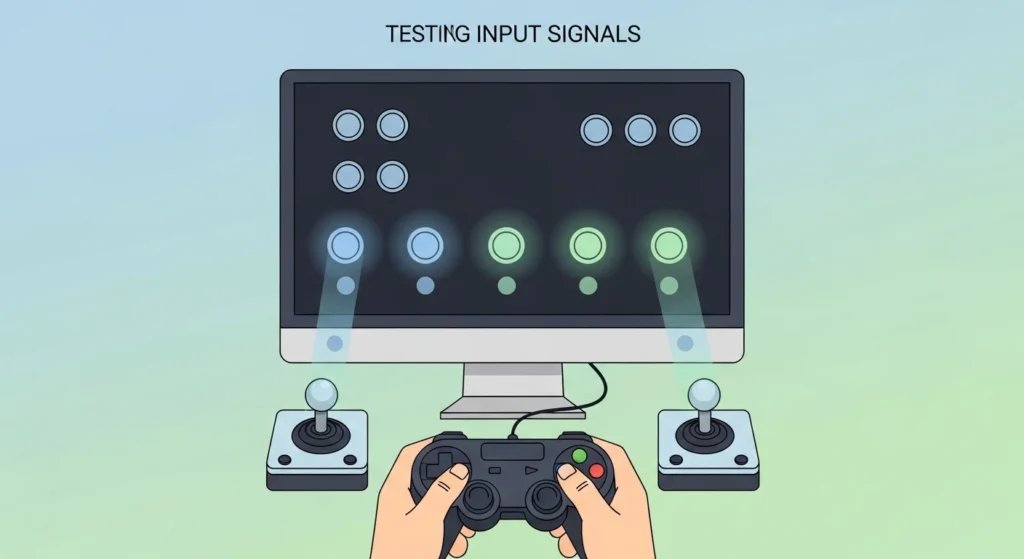
Behind the scenes, gamepad testers use APIs (like HTML5 Gamepad API) or OS driver systems (like DirectInput or XInput) to read live controller data. When you press a button or move a joystick, the tester instantly displays:
- Axis position values (how far the stick moves).
- Button states (pressed, held, or released).
- Trigger pressure, vibration response, and latency.
Think of it as your controller’s health monitor—reading vital signs in real time.
Pillar Blog: How to Test Your Game-pad Online & PC [Step-by-Step Guide]
Top Free Gamepad Tester Tools (2025)
After reviewing dozens of tools, these are the ones that offer outstanding reliability, ease of use, and modern compatibility.
1. Gamepad Tester by HTML5 Gamepad API
Platform: Web-Based (Chrome, Edge, Firefox)
Link: Game-Pad Tester
This classic browser-based tester is the easiest way to confirm if your controller inputs register correctly.
Key Features:
- Instant recognition of connected gamepad.
- Visual representation for each button and joystick axis.
- Compatible with Xbox, PlayStation, Nintendo, and generic pads.
- 100% free and no installation necessary.
Best For: Developers and quick on-the-fly tests.
2. Windows Game Controller Tester (USB Game Controllers)
Platform: Windows OS (Control Panel tool)
Windows’ built-in tester may not be flashy, but it’s reliable and always there when you need it.
Key Features:
- Allows manual calibration and configuration.
- Tests buttons, triggers, and axis accuracy.
- Detects connectivity and vibration feedback.
Best For: PC gamers troubleshooting USB or Bluetooth devices.
3. Game Controller Tester App (Microsoft Store)
Platform: Windows 10/11 App
Cost: Free (optional premium)
This polished app provides beautiful visuals and XInput support. Perfect for gamers who prefer a modern interface.
Key Features:
- High-quality real-time diagrams.
- Detects analog trigger range and vibration strength.
- Save multiple controller profiles easily.
Best For: Streamers and reviewers needing visual clarity while recording or livestreaming.
4. Recalbox Web Controller Tester
Platform: Web-Based (Recalbox ecosystem or standalone)
Ideal for retro-enthusiasts managing older controller inputs.
Key Features:
- Recognizes SNES, Sega, NES, or generic USB gamepads.
- Provides data latency and response visualizations.
- Works both during setup and after connection.
Best For: Retro-gaming setups on Raspberry Pi or emulators.
5. Controller Tester by HTML5 Gamepad Viewer
Platform: Web
Link: https://gamepadviewer.com
It’s the darling of the streaming community—show viewers what your fingers are doing in real-time.
Key Features:
- Stream-friendly virtual controller overlay.
- Multiple skin options (Xbox, DualShock, Switch Pro).
- OBS compatibility and browser integration.
- Detects input lag and malformed signals.
Best For: Livestreamers and creators.
6. Our Gamepad Tester Tool (2025 Edition)
Platform: Web-Based (Cross-Platform, Mobile-Friendly)
Link: Game-Pad Scan’s Tool
This is our pride and joy—a powerful, lightweight, and completely free online gamepad tester built for 2025’s gaming ecosystem. Designed with both everyday gamers and developers in mind, it combines precision, elegant visuals, and speed in one clean interface.
Key Features:
- Instant controller detection—no installs, no plugins.
- Real-time input visualization with minimal latency.
- Advanced joystick analytics showing dead zones, range, and drift heatmaps.
- Trigger pressure graphs for accurate analog testing.
- Full support for Xbox, PlayStation (DualSense and DualShock), Nintendo, Logitech, and generic controllers.
- Works on desktop and mobile browsers alike, supporting both wired and wireless (Bluetooth) input.
- Optional dark mode (because who tests in bright UI mid-game?).
- No signups, no ads—just pure testing efficiency.
Why It Stands Out:
While most testers focus on raw data, this tool bridges technical accuracy with usability. It’s as handy for streamers verifying responsiveness as it is for developers debugging controller inputs for indie games or emulators.
Best For: Anyone wanting a modern, all-in-one, ad-free tester that performs smoothly across all browsers and devices.
Feature Comparison Table (2025 Update)
| Tool Name | Platform | Calibration | Visual Feedback | Ideal For | Pros | Cons |
| HTML5 Gamepad Tester | Web | No | Yes | Quick diagnostics | No install; easy | Lacks calibration |
| Windows USB Tester | Windows | Yes | Basic | PC users | Built-in; accurate | Dated design |
| Game Controller Tester App | Windows | Yes | Excellent | Streamers | Modern UI; graphs | Windows only |
| Recalbox Web Tester | Web | Limited | Great | Retro fans | Multi-platform | Niche support |
| HTML5 Gamepad Viewer | Web | No | Excellent | Streamers | OBS overlay | Needs internet |
| Our Tester Tool (2025) | Web + Mobile | Yes | Outstanding | Everyone | Fast; ad-free; responsive UI | None notable (we’re proud) |
How to Calibrate & Troubleshoot Drift or Dead Zones
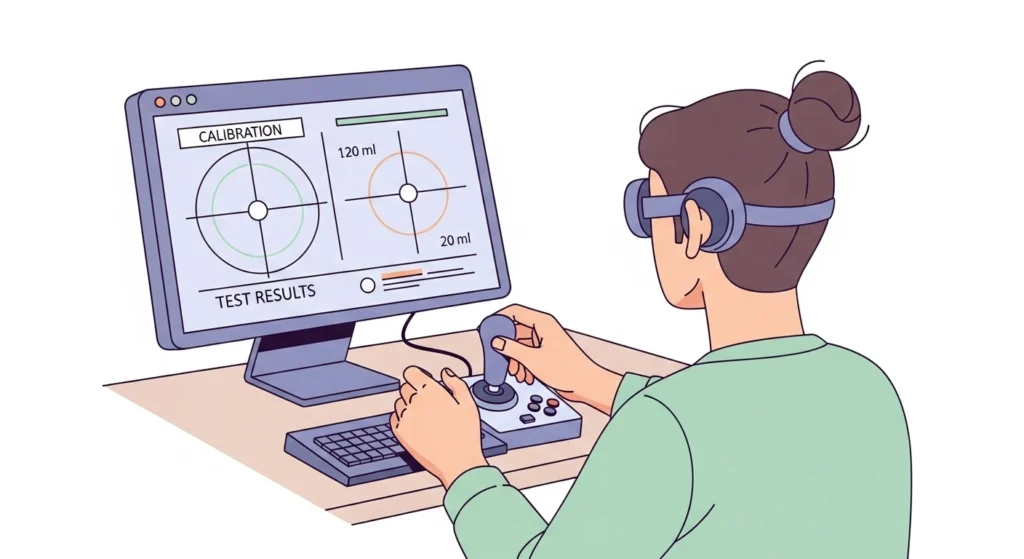
A controller that drifts on its own can feel haunted—but there’s logic behind the madness. Let’s fix that ghostly joystick behavior.
Step-by-Step on Windows:
- Open Control Panel → Devices and Printers → Game Controller Settings.
- Choose your controller and hit Properties → Settings → Calibrate.
- Follow the prompts to re-center and rotate your sticks fully.
- Save configuration and test again.
On Browser-Based Tools:
Observe the displayed axis values. Ideally, both X and Y axes rest near zero when idle. Anything consistently offset (like -0.08) may indicate dust, misalignment, or firmware issues.
Tips for Accurate Controller Testing
- Always test wired first, then wireless. It rules out Bluetooth interference.
- Keep browser tabs minimal; background scripts can skew response visuals.
- For streaming setups, capture tester window output in a small corner overlay.
- Record calibration results periodically to notice performance degradation over time.
- Update firmware for DualSense, Xbox, or third-party controllers before testing.
FAQs
1. What’s the best free controller tester overall in 2025?
Our Gamepad Tester Tool (2025 Edition) delivers the best combination of speed, precision, and usability. The HTML5 Gamepad Tester remains a great fallback for minimalists.
2. Will these tools work with my PS5 or Xbox Series X controller?
Yes—all major tools listed now support next-gen gamepads through the HTML5 API or XInput/DirectInput on PC.
3. How do I reduce joystick drift naturally?
Run a calibration first. If that fails, clean the analog stick base gently and let it dry before retrial.
4. Can I use these testers on phones or tablets?
Yes. Many tools (especially our 2025 Edition) are mobile-friendly, responding to gamepads connected via Bluetooth or USB OTG.
5. What’s the most accurate way to test analog triggers?
Our tester and the Microsoft Store App display trigger pressure meters, showing precise values instead of simple “on/off” states.
Conclusion & Key Takeaways
Controllers are the physical extension of your reflexes—so ensuring they function flawlessly is essential. Whether you’re designing a new indie game, troubleshooting joystick drift, or ensuring input parity across systems, these free gamepad testers make the process effortless.
Key Reminders:
- Online testers (like HTML5 ones or our 2025 tool) are fast, no-install solutions.
- Built-in Windows calibration helps when deeper alignment is needed.
- Regular checks prevent long-term wear, especially for competitive gaming setups.
- Don’t underestimate calibration—small axis offsets can have big in-game effects.
With the right tester, your gear stays precise, responsive, and tournament-ready.
And let’s be honest—finding out your aim was flawless all along? That’s the most satisfying victory of all.
External Authority Source: